


How to make a crypto wallet?
In today’s world, where digital assets are becoming increasingly popular, the question of reliable and secure cryptocurrency storage comes to the forefront. A crypto wallet is an essential tool for anyone planning to work with digital assets: making transfers, taking part in DeFi, or simply storing savings. In this article, we’ll break down how to create a crypto wallet, what types exist, and what to look for when choosing a platform.
What is a crypto wallet?
A crypto wallet is not a place for the physical storage of coins, but a tool for managing access to your assets on the blockchain. It’s important to understand: a wallet stores not the coins themselves, but the private keys required to sign transactions. Every address on the blockchain has a public identifier and a private key. Whoever owns the private key owns the assets. When choosing a wallet, the key question is: where are your private keys stored — with you or with a third-party service.
Definition and functions of a crypto wallet
A crypto wallet is a program or device that stores your private and public keys for working with cryptocurrency. It performs several key functions: it provides an address for receiving funds, lets you send assets and sign transactions, displays transaction history, shows your balance and fees, and can also provide access to exchange and payments. In essence, a crypto wallet is not a piggy bank, but a key to a safe. The public key is your address, visible to everyone. The private key is your only password to your funds, and it must never be shared with anyone.
Types of crypto wallets
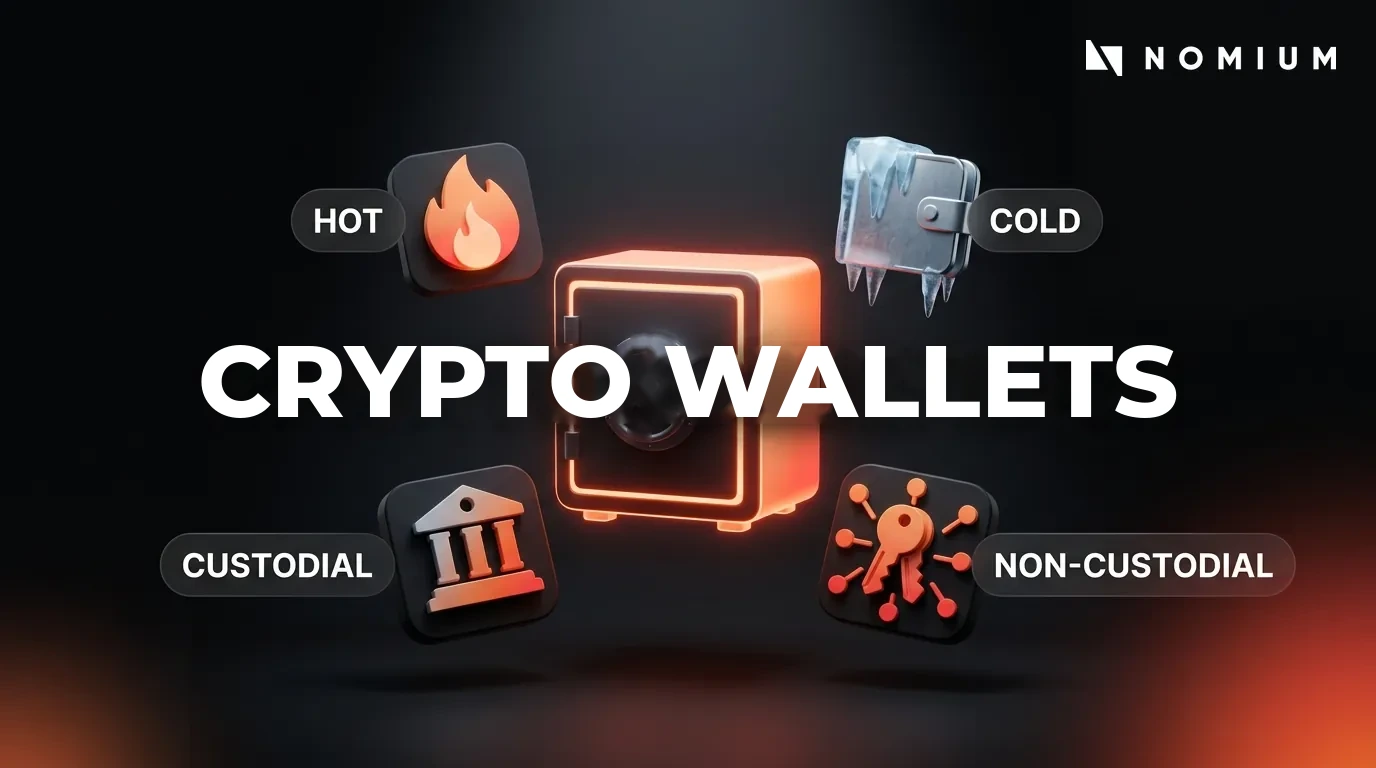
Wallets differ by how private keys are stored and by their level of internet access. The main types:
| Type | Description |
| Custodial | Private keys are stored by a third party (an exchange or service). Convenient, but the user depends on the platform. |
| Non-custodial | The user owns the private keys themselves and bears full responsibility for keeping them safe. |
| Hot | Permanently connected to the internet. Convenient for everyday use, but more vulnerable. |
| Cold | Store keys offline. Provide maximum protection against remote attacks. |
Hot wallets are convenient for daily use but carry an increased risk of hacking. Cold wallets provide a higher level of protection and are recommended for storing large amounts.
Why do you need a crypto wallet?
A crypto wallet is essential for securely storing cryptocurrency, receiving transfers, and sending assets on the blockchain without intermediaries. It is precisely the possession of private keys that confirms your ownership of the coins. Without a wallet that has access to the private keys, you cannot fully manage your digital assets. That’s why choosing a reliable wallet is the first and most important step for everyone starting out with cryptocurrency.
How to create a crypto wallet?
Creating a crypto wallet isn’t difficult, but it’s important to follow the correct sequence of steps to secure your assets from the very start. Below is a step-by-step guide, along with recommendations for choosing a platform and setting up protection.
Step-by-step guide to creating a wallet
The main stages of creating a crypto wallet:
- Choose a suitable wallet and go to its official website or download the app from an official store (the App Store or Google Play). Make sure you’re downloading the genuine app — not lookalikes or clones.
- Create a new wallet and write down the seed phrase (a mnemonic phrase of 12 or 24 words) that you’ll need to restore access. Keep it strictly offline — on paper or a metal plate.
- Set up protection: create a strong password or PIN code, and where possible enable two-factor authentication (2FA) and biometric protection.
After that, make sure the wallet section shows addresses for receiving funds. By following these steps, you’ll be able to set up a crypto wallet quickly and securely.
Choosing a platform to create a crypto wallet
When choosing a platform, focus on proven, widely used solutions with a good reputation. Below are the main types of wallets and popular examples of each.
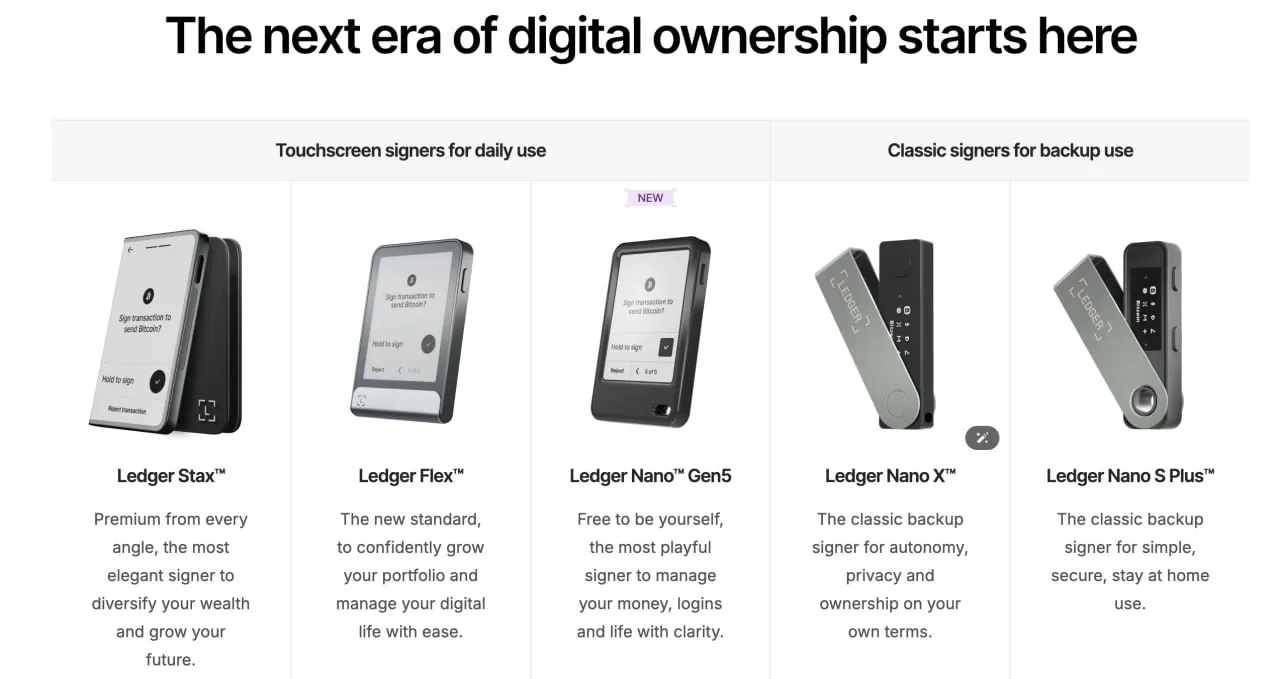
Hardware wallets:
- Ledger (Nano S Plus, Nano X) — one of the most widely used hardware wallets in the world. Private keys are stored on an isolated device and never go online. Supports thousands of coins and tokens.
- Trezor (Model One, Model T) — another leading manufacturer of hardware wallets, with open-source code. Notable for its high transparency and regular security audits.
- Tangem — a compact hardware wallet in the form factor of an NFC card, with no seed phrase. Keys are generated and stored directly on the card’s chip.
Browser extensions and desktop wallets:
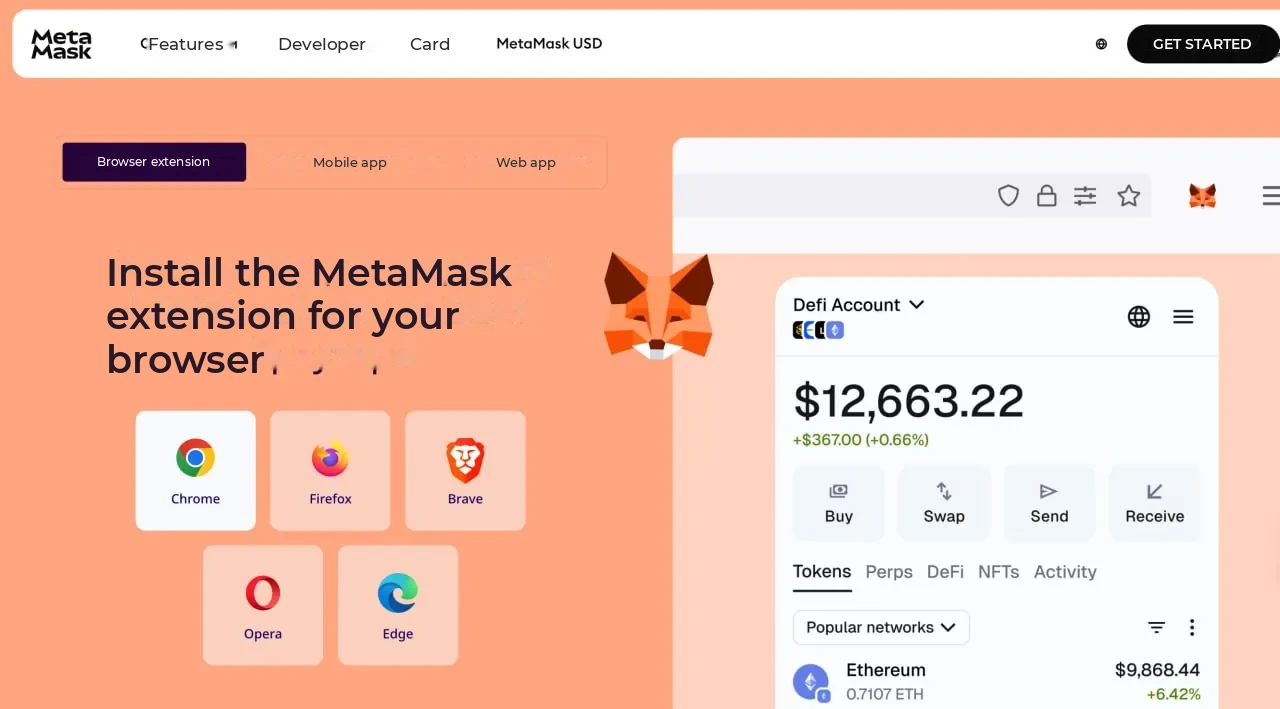
- MetaMask — the most popular wallet for Ethereum and EVM-compatible blockchains (BNB Chain, Polygon, Arbitrum, and others). Indispensable for working with DeFi protocols and NFTs.
- Exodus — a convenient multi-currency wallet supporting hundreds of assets, with a built-in exchange and desktop/mobile versions.
- Electrum — a time-tested non-custodial Bitcoin wallet with advanced fee settings and support for hardware wallets.
Mobile wallets:
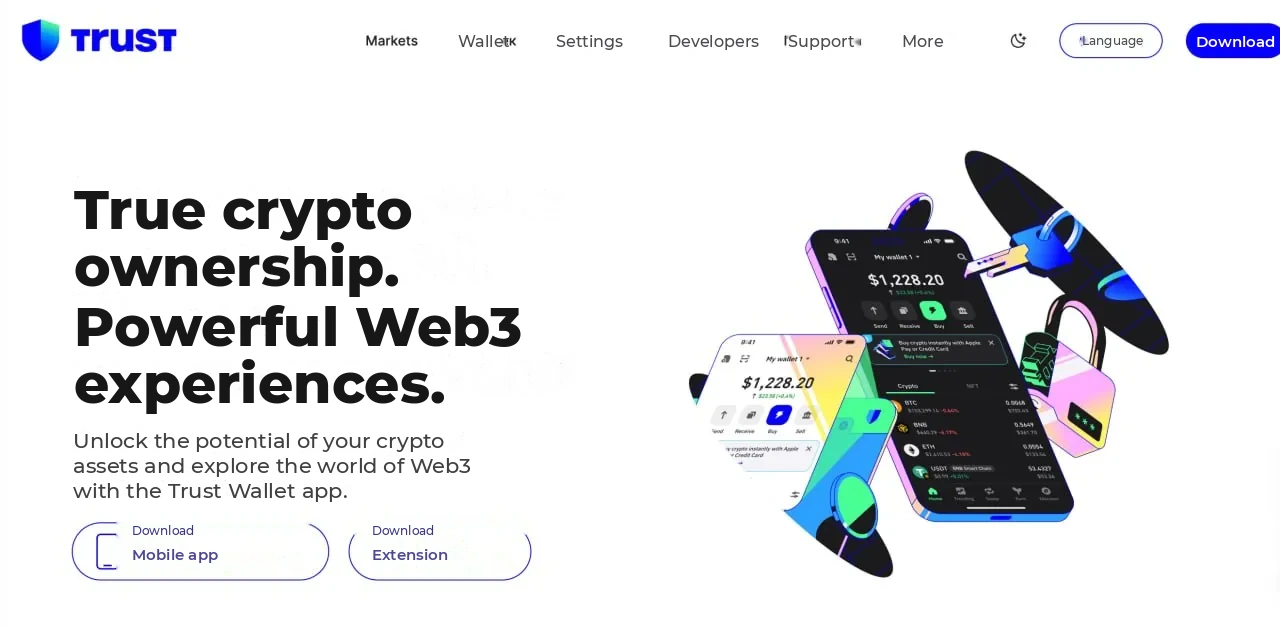
- Trust Wallet — Binance’s official non-custodial wallet; supports many blockchains and has a built-in browser for DApps.
- Coinomi — a multi-currency mobile wallet supporting more than 1,700 coins and tokens, with a built-in exchange and enhanced privacy.
- Atomic Wallet — a non-custodial wallet with staking support and built-in exchange via atomic swaps.
Custodial wallets on exchanges:
Many users store cryptocurrency directly on exchanges, using their built-in wallets. This is convenient for active trading, but the user does not control the private keys.
- Bybit — one of the largest crypto exchanges, with a convenient built-in wallet. It offers a Unified Trading Account that combines spot, futures, and options assets in a single interface. It supports deposits and withdrawals across many networks, including ERC-20, TRC-20, BEP-20, and others.
- Binance — the largest crypto exchange by trading volume, with broad asset support. Its built-in wallet supports P2P trading, staking, and conversion between tokens without withdrawing funds.
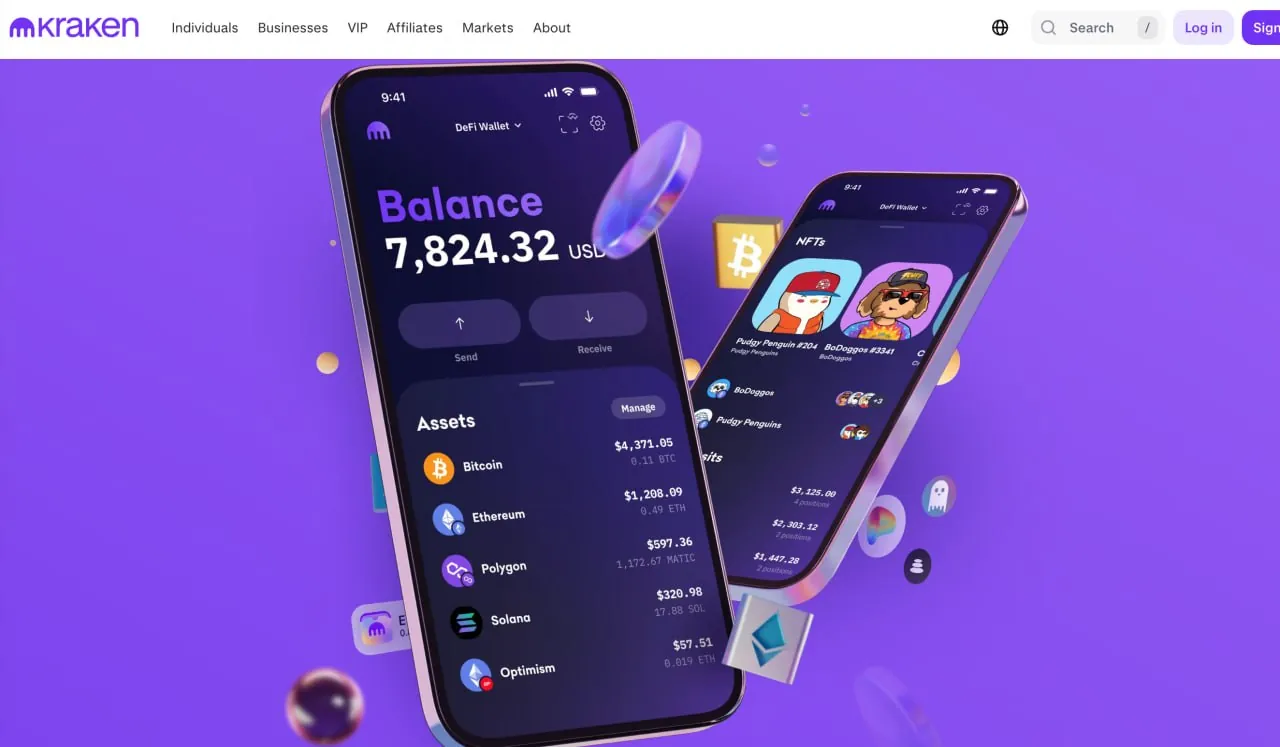
- Kraken — an exchange with a high level of security and support for fiat currencies. A good fit for users who value regulatory transparency and working with bank transfers.
What to look for when choosing a platform:
- The project’s reputation and open-source code — proven wallets with audit reports inspire more trust.
- Support for two-factor authentication (2FA) and for hardware wallets.
- Access recovery methods: seed phrase, backups, service-side support (for custodial solutions).
- Compatibility with the blockchain networks and tokens you need.
- The size of withdrawal and exchange fees, interface convenience, and availability of a support service.
The optimal strategy for most users is to combine solutions — a hardware wallet for long-term storage of large amounts, and a mobile/desktop wallet or an exchange for everyday operations. Whatever you choose, always keep your seed phrase in a secure offline location and activate every available protection measure.
💼 Launching your own crypto startup or fintech project?
Don’t hand your fees to third-party services — build your own wallet with full control over users and transactions. At Nomium, we develop secure White-label crypto wallets (Custodial and Non-custodial) turnkey: with multi-network support, KYC/AML, built-in security, and integration into mobile apps, exchanges, and Telegram.
Setup and security
After creating a crypto wallet, pay special attention to protecting it. In a non-custodial wallet, the private keys are created directly on your device and the seed phrase is kept only by you — this provides maximum control, but also maximum responsibility. It’s recommended to enable two-factor authentication, set a strong PIN code, and enable biometrics on your mobile device. Never share your seed phrase or passwords with third parties, and download apps exclusively from official sources.
Funding a crypto wallet
Ways to fund a wallet
You can fund a crypto wallet in several ways, depending on the wallet type and the chosen platform.
Via a non-custodial wallet (Trust Wallet, MetaMask, Exodus, etc.):
- Open the app and select the asset you need.
- Tap “Receive” — the app will generate your deposit address as a string of characters and a QR code.
- Copy the address and give it to the sender, or paste it into the withdrawal form on an exchange/exchanger.
- Make sure the selected network matches the network in which the funds are being sent (for example, ERC-20, TRC-20, BEP-20, etc.).
Via an exchange (Bybit, Binance, Kraken, etc.):
- Log in to your exchange account and go to the “Wallet” or “Assets” section.
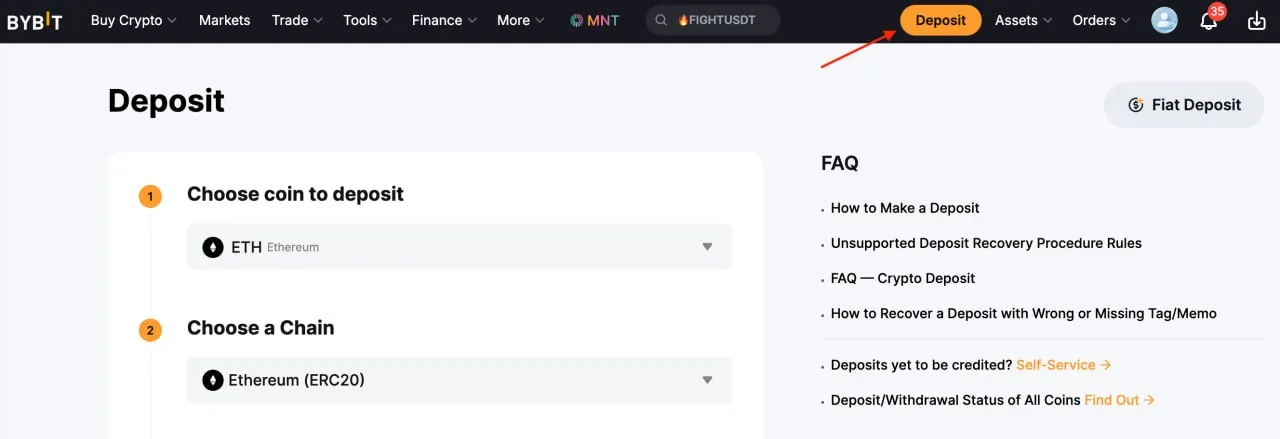
- Select the asset you need and click “Deposit”.
- The exchange will display the deposit address and supported networks. Choose the correct network and copy the address.
- Send funds from an external wallet or buy cryptocurrency through the exchange’s P2P section.
Via a P2P platform or exchanger:
- P2P trading lets you buy cryptocurrency directly from another user, paying by bank transfer or through payment systems. Once payment is confirmed, the cryptocurrency arrives in your exchange or external wallet.
- Exchangers (CEX or DEX) let you swap one cryptocurrency for another or buy crypto with fiat. The exchanged assets are automatically credited to the wallet you specify.
Transferring cryptocurrency to a wallet
Transferring cryptocurrency between wallets is a standard blockchain operation. Here is the general procedure:
- Open the withdrawal section on the exchange or in the sending wallet.
- Select the asset you need and enter the recipient wallet’s address.
- Choose the network — be sure the sending network matches the network supported by the recipient wallet. A network mismatch is the most common cause of lost funds.
- Check the fee (gas fee) and confirm the transaction.
- After several confirmations on the blockchain, the cryptocurrency will appear in the recipient’s balance. You can track the transaction status by its hash in a blockchain explorer (for example, Etherscan for Ethereum, BSCScan for BNB Chain).
Working with exchanges and exchangers
If you want to buy cryptocurrency with fiat money, the most convenient option is the P2P section of major exchanges — Bybit, Binance, and others. The buying process: choose a suitable seller’s listing, specify the amount, and pay by bank transfer or a payment system using the seller’s details. Once payment is confirmed, the cryptocurrency will be credited to your exchange wallet.
To withdraw from an exchange to a non-custodial wallet: open the withdrawal section, select the asset, paste your external wallet’s address, choose the network (it must match the one your wallet supports), check the fee, and confirm the operation. Wait for several confirmations on the blockchain.
Tips for choosing a crypto wallet
Criteria for choosing a reliable wallet
The main question when choosing a wallet: store the keys yourself or entrust them to a service? The less you depend on a third party, the greater your control over your assets — but also the greater your personal responsibility. Key criteria:
- Security: 2FA support, the ability to integrate with a hardware wallet, and open, audited code.
- Supported assets and blockchain networks — it’s important that the wallet works with the coins you need.
- Interface convenience and cross-platform support (mobile app + desktop).
- A built-in exchange or integration with DeFi protocols, if needed.
- Transparency: regular updates, a history of security audits, and an active community.
- Availability of backup (seed phrase) and transparent source code (where available).
Hardware vs. software wallets
For storing large amounts, the optimal choice is cold (hardware) wallets, since they don’t connect to the internet and are protected from most remote attacks. For small amounts and frequent operations, mobile or browser wallets are a better fit. Hardware wallets — Ledger, Trezor, and Tangem — provide the highest level of protection for long-term storage, while software wallets are convenient for everyday use. The choice depends on your goals and the volume of assets you store.
Storing and securing cryptocurrency
Best practices for storing cryptocurrency
To reliably protect your crypto assets, follow a few key rules:
- Keep your seed phrase strictly offline — no screenshots, cloud storage, or notes on your phone. The ideal option is writing it on paper or a metal plate kept in a secure place.
- Enable two-factor authentication (2FA) on all services related to cryptocurrency. It’s preferable to use an authenticator app (Google Authenticator, Authy) rather than SMS.
- Use strong PIN codes and biometrics to access the wallet on your mobile device.
- Separate your storage: keep your main savings on a hardware wallet, and use a separate hot wallet with a small balance for everyday operations.
Protection against hacks and leaks
When working with stablecoins (USDT, USDC), pay special attention to network selection. Most USDT losses are caused not by hacks, but by sending funds on the wrong network — for example, USDT in the TRC-20 and ERC-20 formats have different addresses and are not directly compatible. If you send tokens on the wrong network, the transaction will execute, but the funds will become inaccessible. Always double-check the recipient’s address and the selected network before confirming a transaction.
Additional protection measures:
- Don’t click suspicious links and don’t enter your seed phrase on third-party sites.
- Check the URLs of wallets and exchanges — phishing sites often copy the design of the originals.
- Use antivirus software and don’t store private keys or seed phrases unencrypted on internet-connected devices.
Regular updates and backups
Regularly update your crypto wallet software — this protects against known vulnerabilities and adds up-to-date security measures. Make backups of your wallet and keep them in several secure locations. It’s especially important to make sure your seed-phrase backup is current and physically protected from accidental destruction or unauthorized access. Don’t neglect these measures — in most cases, it’s impossible to restore access to a wallet without the seed phrase.
Rate this article!









Leave your comment