#0a9ac7
Accent blue
The color is associated with trust and reliability. It is used for buttons, active filters, and key interface elements.



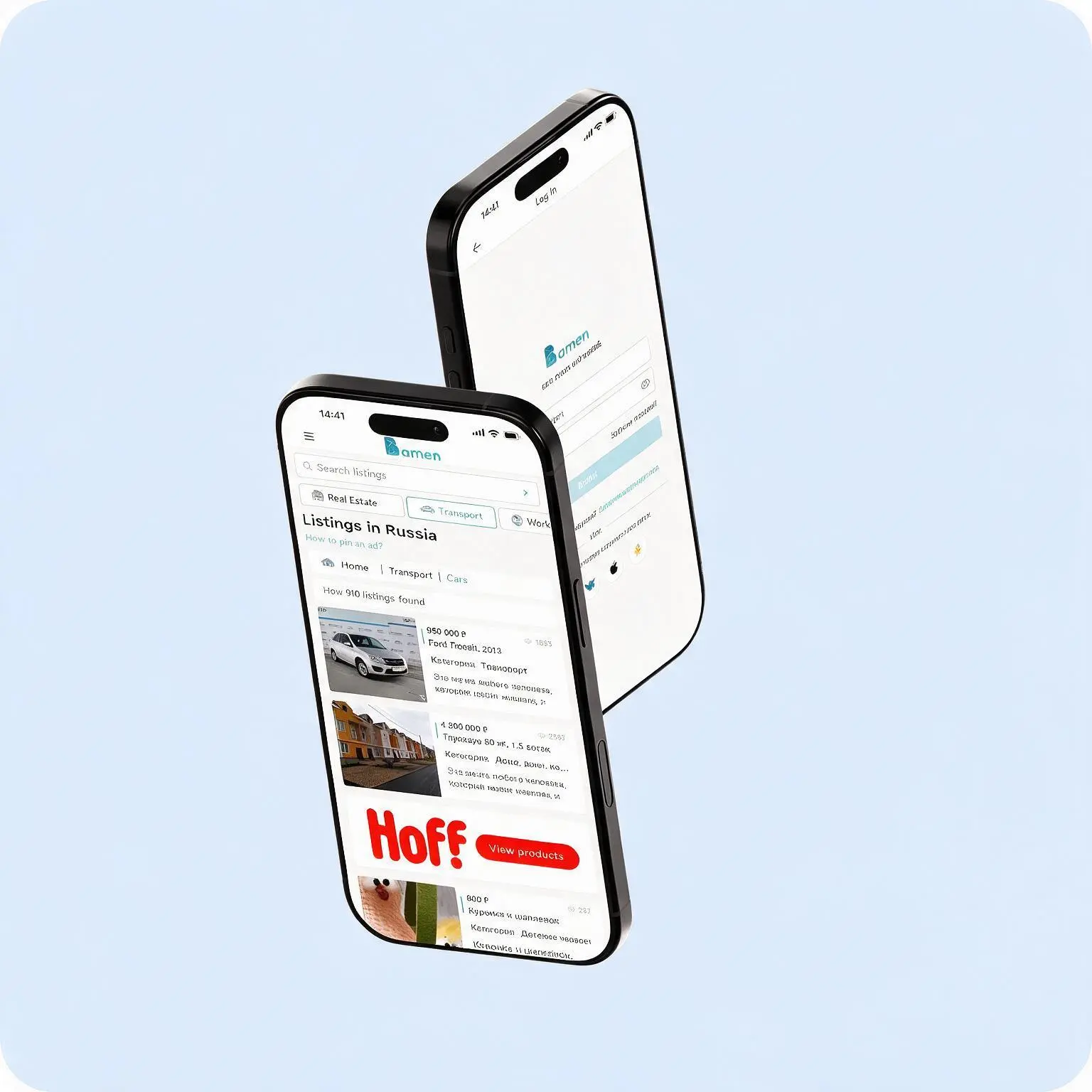
Bamen — a mobile app built with Flutter for posting classified ads, developed as an alternative to an inconvenient mobile version of the website.
The client came to us with a task: increase usability and conversion on mobile devices while preserving the core functions of the web platform.
The problem was typical of many online classifieds boards: the site was adapted for smartphones only formally, the interface was inconvenient, the forms were long, and users couldn’t create an ad quickly, so they left.
The goal was to create a full-fledged mobile solution that is comfortable to use with one hand.
We described the web version here
View
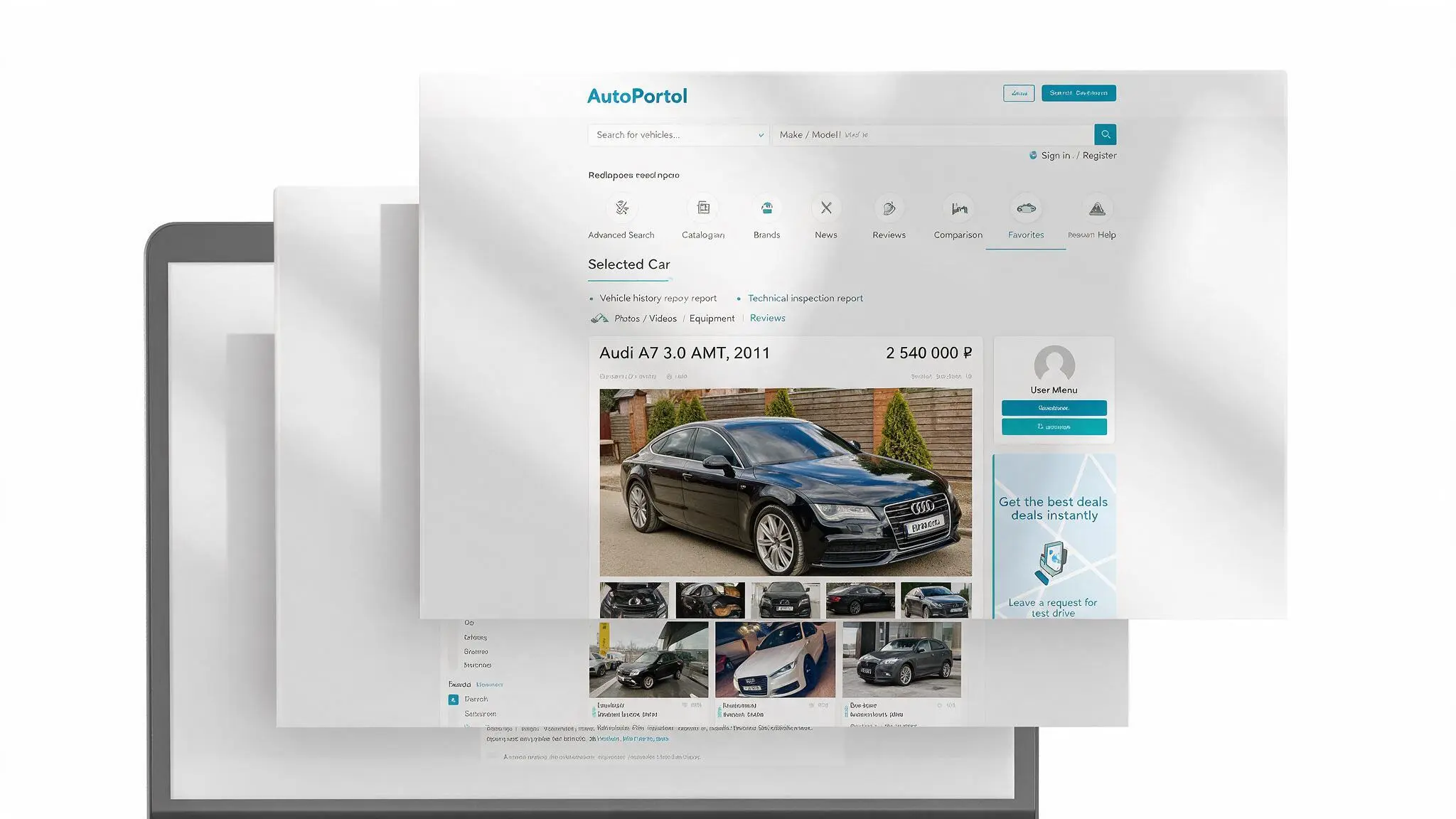
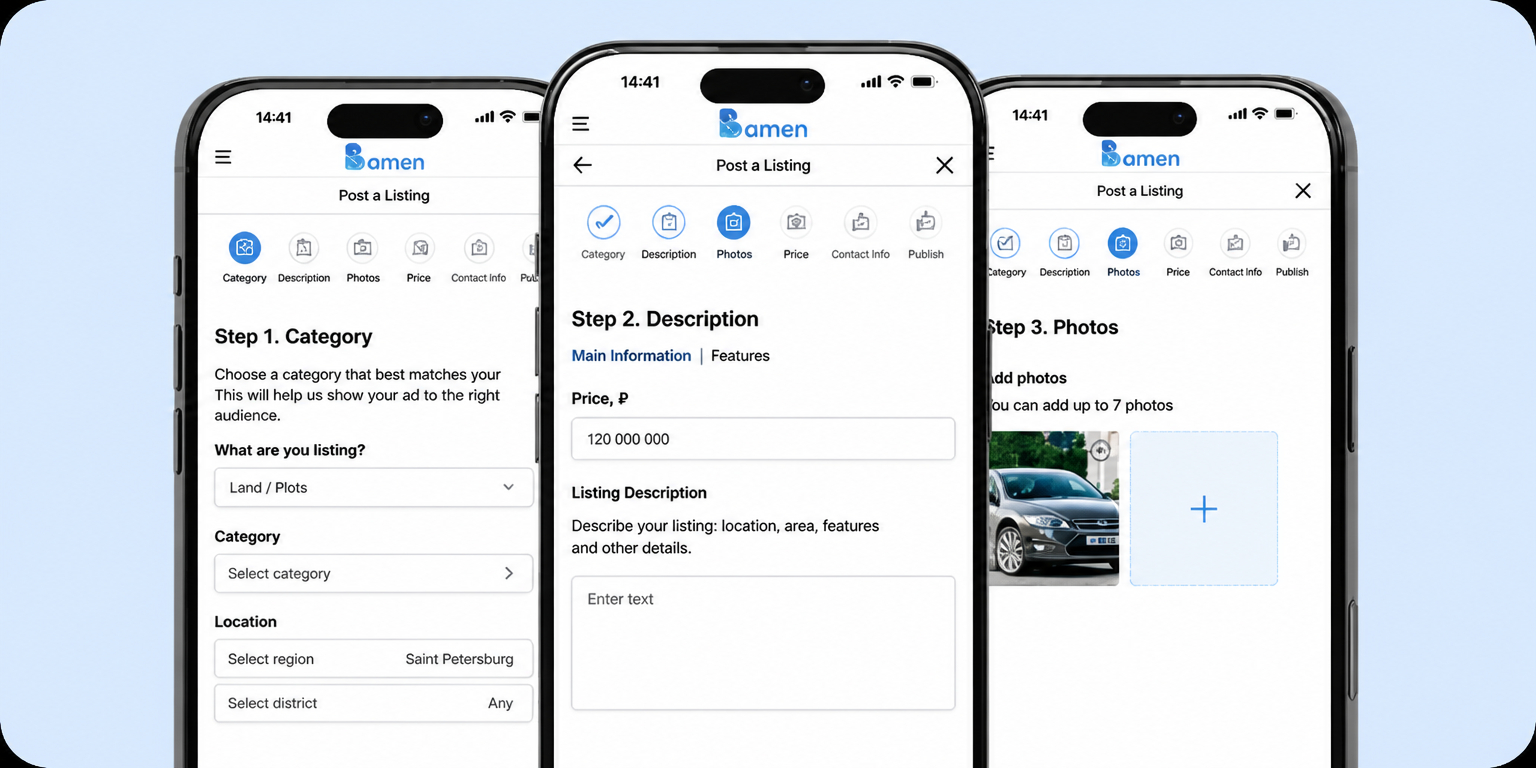
We didn’t adapt the website to a mobile screen — we created
a native mobile app designed for fingers and short sessions.
Minimum steps, maximum clarity.
Posting an ad, payment, promotion — everything works quickly and simply.
Exactly the way a user expects in 2025.
We wanted everything to work just as simply from a phone
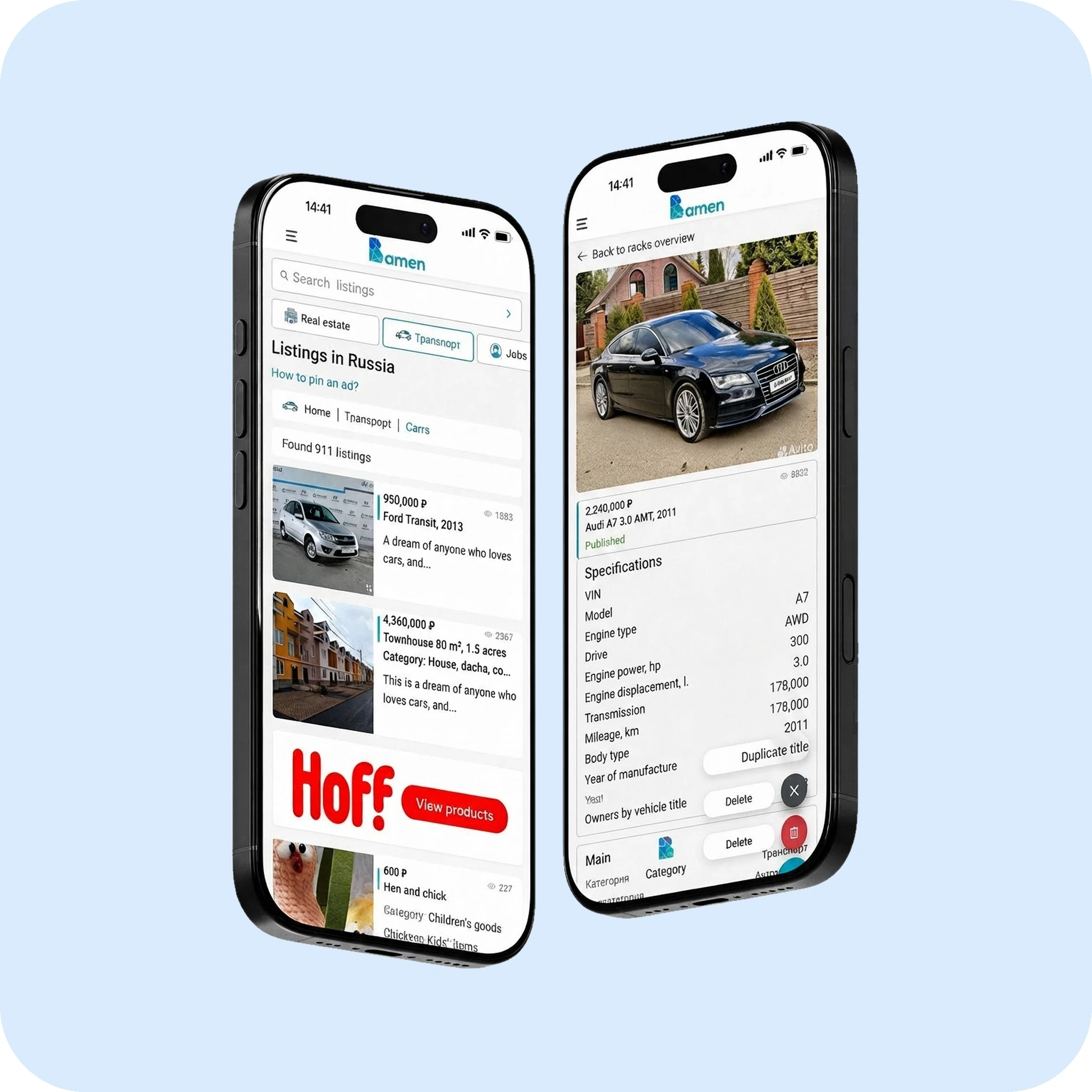
We chose a light background and bright accents: dark blue inspires trust, while gray doesn’t distract from the content.
The interface became clean, modern, and convenient even on 4.7” screens.
Accent blue
The color is associated with trust and reliability. It is used for buttons, active filters, and key interface elements.
White background
Provides cleanliness, lightness, and focus on the content. It doesn’t distract and works well for showing photos, forms, filters, and text. A universal foundation for the interface.
Neutral light gray
Highlights secondary elements and borders. It helps structure information while preserving the visual cleanliness and hierarchy of the interface.
We’ll build a native or cross-platform solution for iOS and Android — from idea to implementation.
This eliminates errors and lets the user calmly finish publishing later.
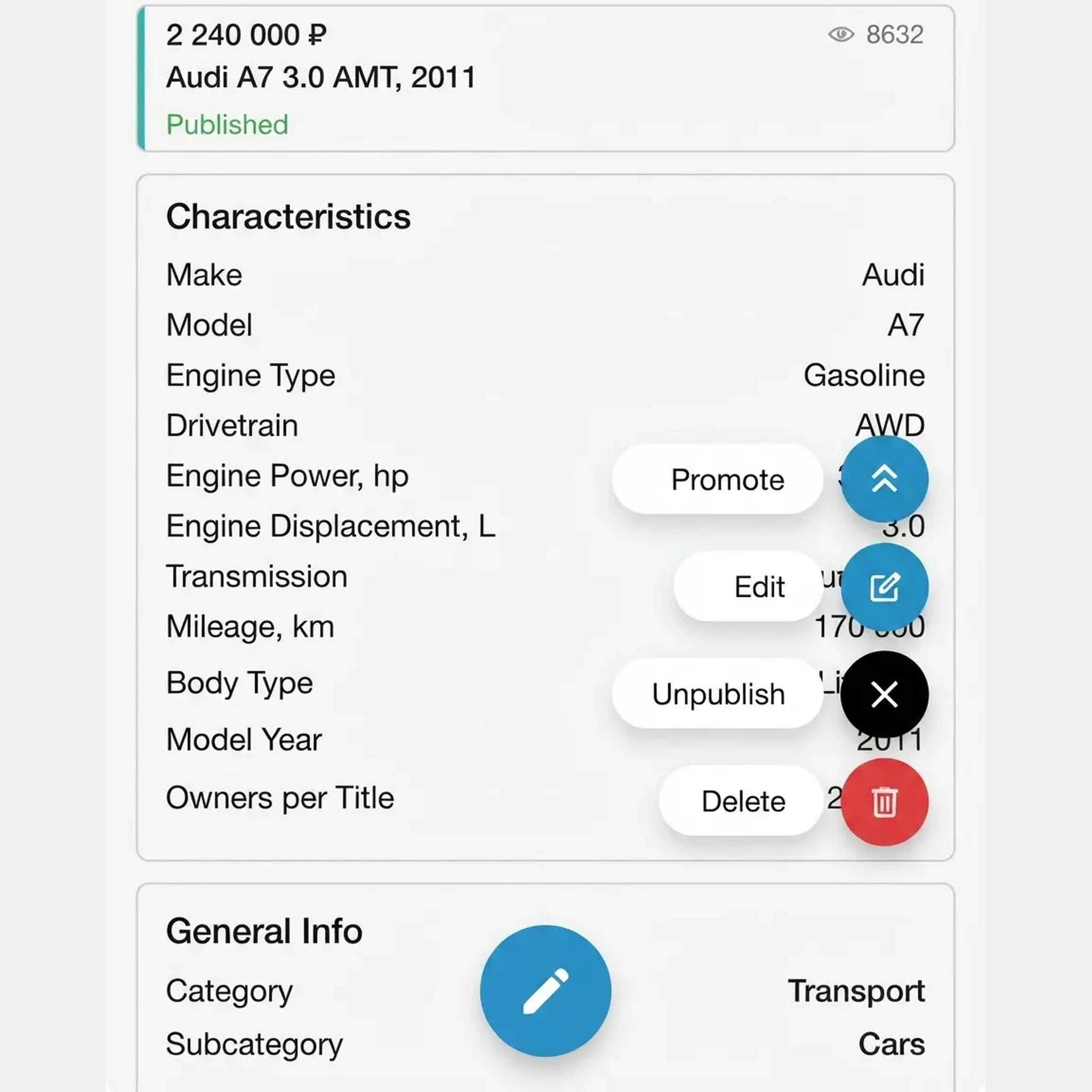
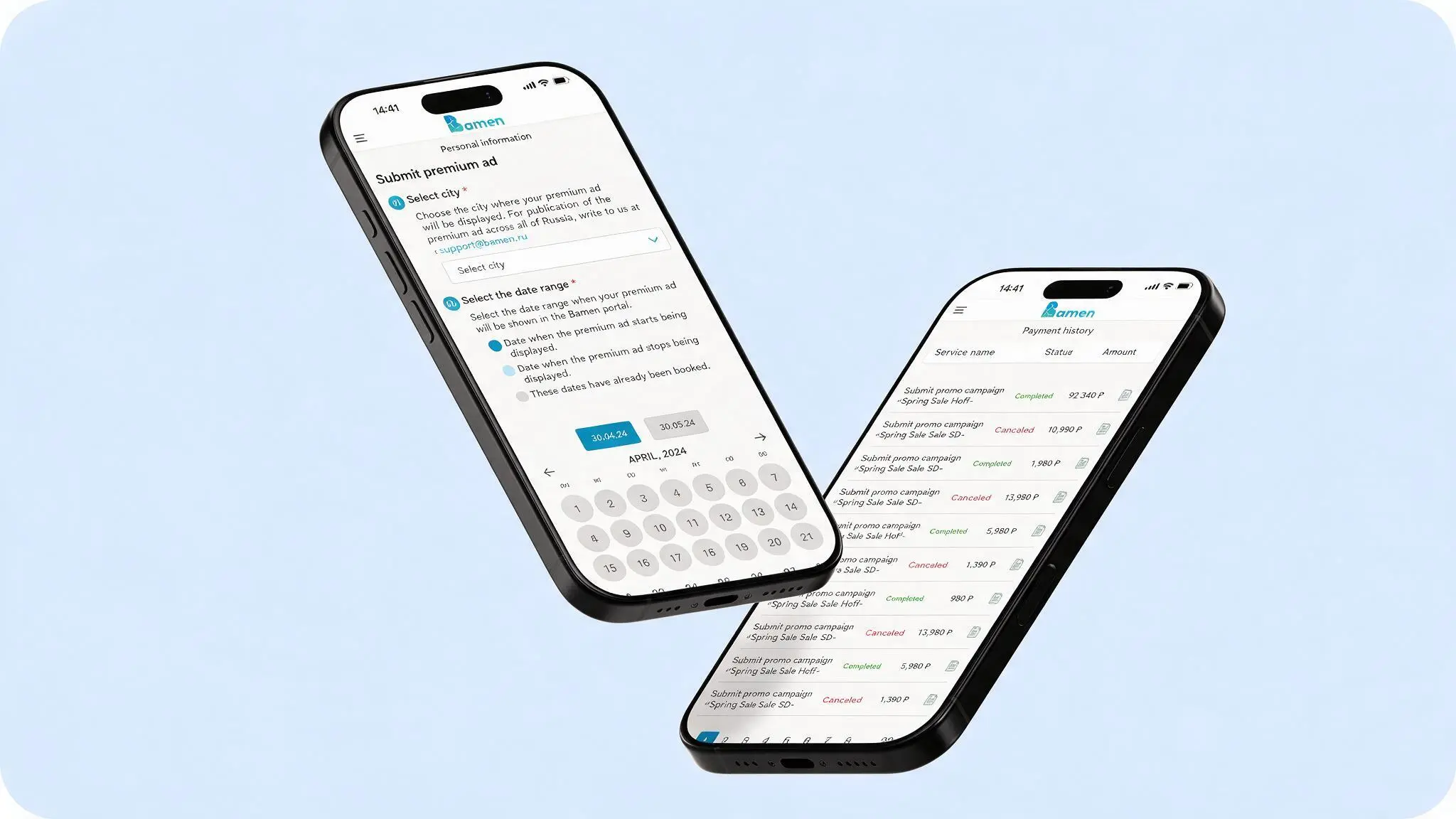
Editing, taking an ad down, bumping it, premium placement, payment history
all the functions have become as accessible as possible.
The result
The launch of the new mobile app produced a noticeable increase in efficiency:
traffic from mobile devices
repeat visits
Paid functions are used more often — users have become more active in promoting their ads

1 letter per month, no spam
Your comment will appear on the site soon